Skip to content

Ordering with POS Sync

Menu ordering with POS sync lets guests order from your grubgenie menu, with the order synced to the point-of-sale system you already run: Petpooja or Rista. Guests pay as they do today. It is available on Essential and above.

Get started free

Works with

  • Petpooja
  • Rista
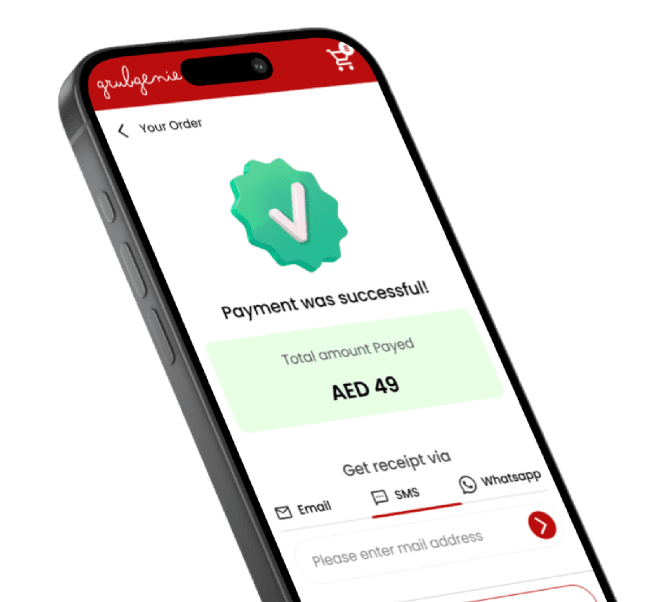
A GrubGenie payment confirmation screen with the option to send a receipt

Orders that reach the POS you already run

Guests order from your digital menu, and the order syncs to your POS. Your team keeps working in the
system it already knows.

Systems we sync with

  • Petpooja
  • Rista

Payments

Guests pay as they do today. On the Advanced plan, guests can also pay in-app.

Ordering with POS Sync questions

  • Which plan includes ordering with POS sync?

    Essential and above. Menu ordering with POS sync is part of Essential and Advanced. The free Starter plan covers the digital menu without ordering.

  • Which POS systems does grubgenie sync with?

    Petpooja and Rista.

  • Do I have to replace my current POS?

    No. Orders sync to the Petpooja or Rista system you already run.

  • How do guests pay?

    Guests pay as they do today. In-app payments are available on the Advanced plan.

Let’s talk.

Book a free demo and see grubgenie working on your own menu.